Color blindness simulator
Preview colors through color-vision simulations.
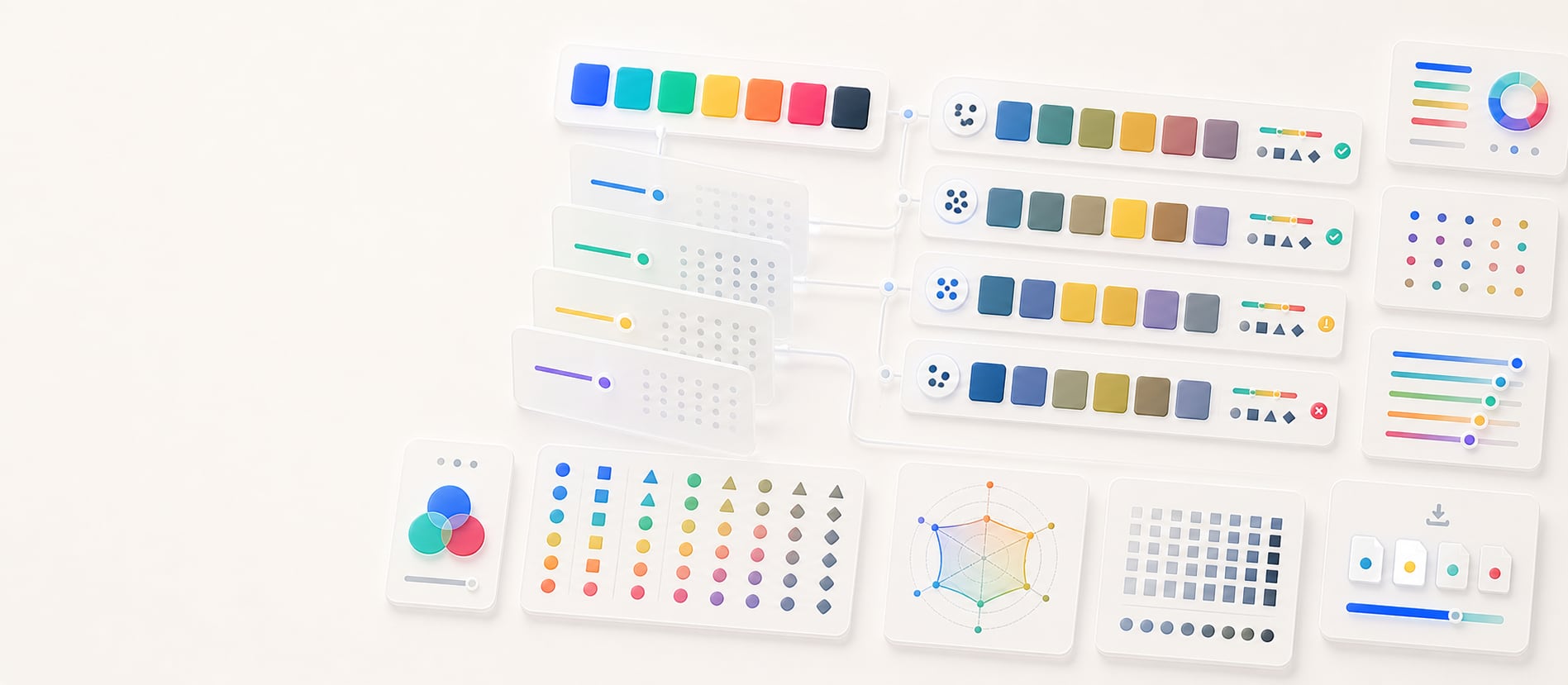
Compare original and simulated palette colors side by side, identify hue-only risks across common color-vision models, and export a practical review report.
Free color utility
Color Blindness
Inputs update live, exports are copy-ready, and the color math stays deterministic.
Quick start
Starter presets
Start with a realistic setup, then adjust any input and watch the result update.
Valid input example: #4169E1, #06D6A0, #FFD166 as a pasted HEX palette
If input is invalid: Unrecognized entries are identified in the announced status, while valid colors remain available for correction or replacement.
Choose a preset or edit the controls directly.
Color vision QA
Palette review simulator
Instructions
- Pick a color, paste concrete CSS color values, or use Default palette to restore the starter colors.
- Choose a simulation mode such as protanopia, deuteranopia, tritanopia, or achromatopsia.
- Review the specimen, collapse-risk checks, and per-color cards for hue-only risks.
- Copy the simulation report for accessibility review, palette QA, or design-system documentation.
Paste color list
Results
Simulated swatches
Methodology and guides
How this tool calculates and connects.
Review the formulas, assumptions, edge cases, validation checks, caveats, and related color guidance behind Color Blindness.
Methodology pages
Related guides
How it fits
From color-vision simulation to design review.
Compare original and simulated palette colors, identify distinctions that depend too heavily on hue, and document where another cue is needed.
Compare side by side
Review original colors beside supported protanopia, deuteranopia, tritanopia, and achromatopsia-style simulations.
Find color-only risk
Look for states or categories that become difficult to distinguish, then add labels, shapes, patterns, or other non-color cues.
Free sharing
Color-vision simulations can be bookmarked and shared without an account, making results easy to revisit.
Quick overview
Hue Codex Color Blindness Simulator is a free browser-based tool that previews concrete CSS color palettes through protanopia, deuteranopia, tritanopia, and achromatopsia-style simulations. Inputs may use alpha-capable HEX, RGB, HSL, HWB, Lab/LCH, OKLab/OKLCH, supported color() values, fixed color names, or transparent. The tool preserves alpha in the swatches, compares original and simulated colors side by side, and exports a copy-ready review report.
- Use the simulator to check whether a palette depends too heavily on hue differences.
- The tool supports protanopia, deuteranopia, tritanopia, and achromatopsia-style palette previews.
- Side-by-side swatches make it easier to spot colors that collapse into similar-looking results.
- Simulation output is a design review aid, not a substitute for contrast testing or user research.
- Pair color with labels, icons, patterns, position, or text when meaning must be understood reliably.
What the Hue Codex color blindness simulator does
The Hue Codex color blindness simulator takes a list of concrete CSS colors and previews how those swatches may appear under common color-vision deficiency simulations. The tool shows the original and simulated swatches side by side for quick comparison and preserves source alpha in both.
This helps reveal when colors that look distinct in a normal palette may become difficult to tell apart for people with red-green, blue-yellow, or achromatopsia-style color perception differences.
A color blindness simulator applies a color transformation to approximate how colors may appear under a color-vision deficiency, helping designers review whether color differences remain distinguishable.
Simulation modes in Hue Codex
Hue Codex provides four simulation modes for palette review. Each mode transforms the resolved sRGB channels of the input colors, preserves their alpha, and displays each result next to its original swatch.
| Mode | What it approximates | What to watch for |
|---|---|---|
| Protanopia | A red-cone deficiency simulation that can make red and green distinctions less reliable. | Check warnings, errors, success colors, charts, and brand pairs that rely on red-green hue differences. |
| Deuteranopia | A green-cone deficiency simulation and another common red-green color-vision condition. | Look for palette pairs that become too similar when green information is reduced. |
| Tritanopia | A blue-cone deficiency simulation that can affect blue-yellow distinctions. | Review blue, cyan, yellow, and violet accents, especially in charts and status systems. |
| Achromatopsia | A grayscale-style simulation that removes hue information and emphasizes lightness differences. | Use it to test whether value, contrast, labels, and layout still carry meaning without color hue. |
A practical palette review workflow
Start with the palette exactly as it appears in your interface or chart. Switch through each simulation mode and look for colors that become too similar, especially when those colors communicate different states or categories.
- Paste the concrete CSS color values used by the palette, chart, or component.
- Review protanopia and deuteranopia for red-green distinction risks.
- Review tritanopia for blue-yellow and cyan-violet distinction risks.
- Review achromatopsia to see whether lightness and contrast carry enough meaning without hue.
- Add labels, icons, patterns, ordering, or text when color alone is doing important work.
- Copy the simulation report for accessibility notes, design reviews, or color-role documentation.
Best uses for a color blindness simulator
Color-vision simulation is useful whenever color communicates meaning. It is especially helpful before shipping palettes that rely on categorical hues, semantic states, or visual comparisons.
Charts and data visualization
Check whether series colors remain distinguishable when hue perception changes.
Status colors
Review error, warning, success, info, selected, and disabled states for hue-only meaning.
Brand and marketing palettes
Preview whether brand accent pairs still feel distinct under common color-vision simulations.
Design-system color roles
Document simulated colors during color-role review so teams can spot fragile color relationships early.
Simulation and accessibility caveats
Color blindness simulation is an approximation. Real color perception varies by person, display, lighting, severity, and context. A simulated preview can reveal likely risks, but it cannot prove that a palette is accessible for everyone.
Do not rely on hue alone to communicate important meaning. Use contrast, labels, icons, patterns, position, copy, and interaction states alongside color, then check important foreground/background pairs with a contrast checker.
Quick answers
Color Blindness FAQ
What is the Hue Codex color blindness simulator?
Hue Codex Color Blindness Simulator is a free browser-based tool that previews concrete CSS color palettes through protanopia, deuteranopia, tritanopia, and achromatopsia-style simulations.
Which color-vision modes does the simulator include?
The simulator includes protanopia, deuteranopia, tritanopia, and achromatopsia modes for side-by-side palette review.
What is protanopia?
Protanopia is a red-cone color-vision deficiency. In design review, it is often used to check whether red and green colors remain distinguishable enough.
What is deuteranopia?
Deuteranopia is a green-cone color-vision deficiency. It can make some red-green distinctions difficult, especially in charts and semantic UI states.
What is tritanopia?
Tritanopia is a blue-cone color-vision deficiency. It can affect blue-yellow, cyan, and violet distinctions.
What is achromatopsia mode useful for?
Achromatopsia mode gives a grayscale-style preview that helps test whether lightness, contrast, labels, and layout still communicate meaning without hue.
Can a color blindness simulator prove a palette is accessible?
No. Simulation is a helpful review tool, but accessibility also depends on contrast, context, labels, interaction states, and real user perception.
Can I copy the simulation results?
Yes. The tool exports each original color value with its simulated result for the selected mode, including alpha when the source is translucent.