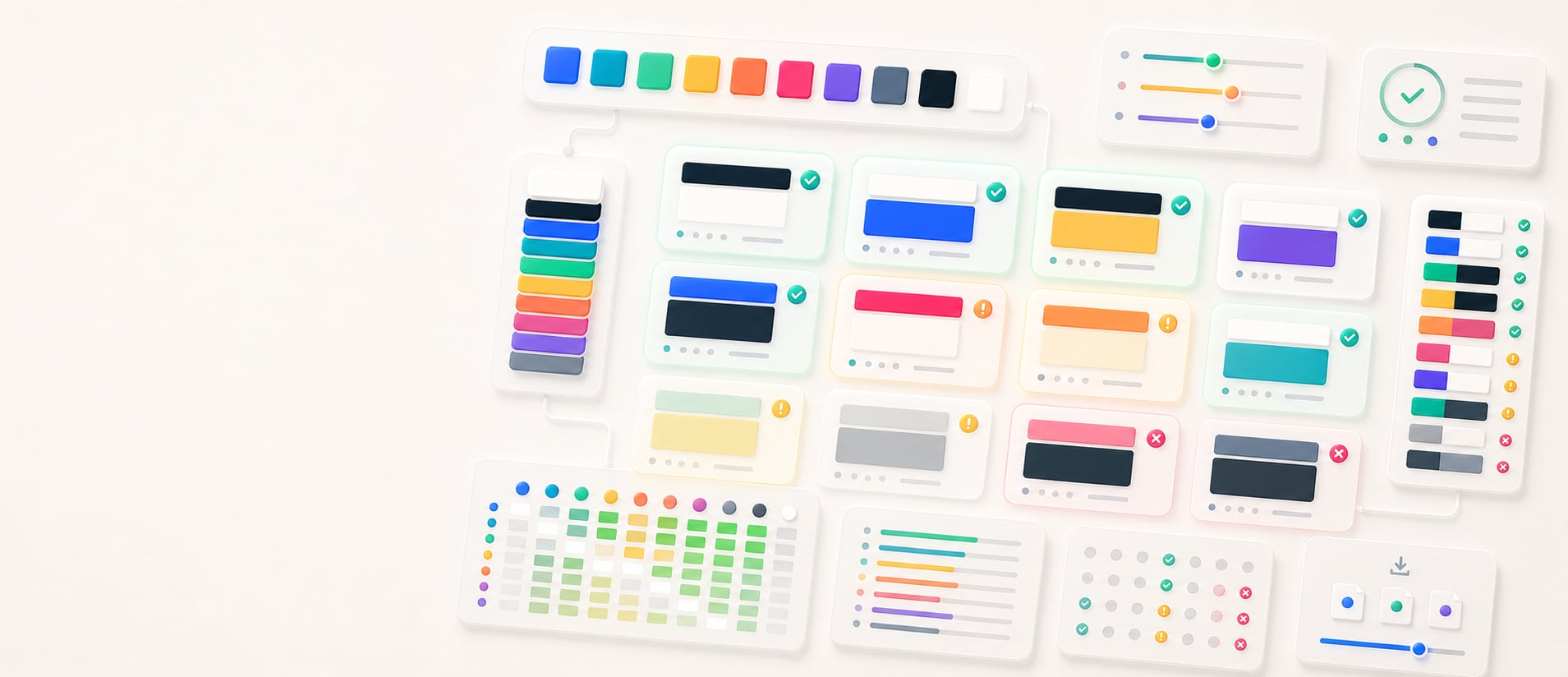
Accessible pair finder
Find readable foreground and background pairs.
Rank every foreground and background direction in a palette, surface pairs that meet the selected contrast target and coverage gaps, and export review-ready results.
Free color utility
Readable Pairs
Inputs update live, exports are copy-ready, and the color math stays deterministic.
Quick start
Starter presets
Start with a realistic setup, then adjust any input and watch the result update.
Valid input example: #10212B, #FBFAF5, #4169E1, #06D6A0 as a HEX palette
If input is invalid: Unrecognized entries are identified in the announced status, while valid colors remain available for correction or replacement.
Choose a preset or edit the controls directly.
Accessible pairs
Find pairs that meet your contrast target
Instructions
- Add colors one at a time, remove colors you do not need, or paste concrete CSS color values to build the review palette.
- Choose the target: AA normal text, AAA normal text, AA large text, or UI/non-text.
- Review the strongest pair, coverage signals, and ranked foreground/background combinations.
- Copy CSS, JSON, Markdown, token-style output, or a handoff summary for accessibility documentation.
Paste color list
Results
Ranked threshold-matching pairs
Methodology and guides
How this tool calculates and connects.
Review the formulas, assumptions, edge cases, validation checks, caveats, and related color guidance behind Readable Pairs.
Methodology pages
Related guides
How it fits
From palette candidates to readable color pairs.
Check both foreground and background directions across a palette, rank the pairs that meet the selected target, and expose coverage gaps before implementation.
Evaluate both directions
Test each eligible color as foreground and background because role direction changes how the pair should be documented and used.
Match the use case
Filter by 4.5:1, 7:1, or 3:1 targets and keep text, large-text, and non-text interface contexts distinct.
Free sharing
Accessible-pair searches can be bookmarked and shared without an account, making results easy to revisit.
Quick overview
Hue Codex Accessible Pair Finder is a free browser-based tool that finds readable foreground and background pairs from concrete CSS colors, including alpha-capable HEX, RGB, HSL, HWB, Lab/LCH, OKLab/OKLCH, supported color() values, fixed color names, and transparent. It composites transparent colors in a defined order, checks both directions against the selected contrast target, and exports copy-ready pair notes, CSS, JSON, Markdown, or token-style handoff data.
- Use the pair finder to discover which palette colors meet a selected contrast target when placed on top of each other.
- The tool checks both directions, because color A on color B can serve a different role than color B on color A.
- Choose 4.5:1 for normal text AA, 7:1 for normal text AAA, or 3:1 for large text and UI contrast review.
- The ranked list shows the highest-contrast passing pairs first, while exports summarize the strongest pair, coverage, and top candidates.
- Passing contrast is necessary for readable text, but final UI decisions still need context, labels, states, and real component review.
What the Hue Codex accessible pair finder does
The Hue Codex accessible pair finder takes a list of concrete CSS colors and checks every foreground/background direction against the selected contrast target. Matching pairs are shown as ranked cards, with the foreground rendered on the background color. Alpha colors are composited over the selected background and then a white canvas before scoring.
The workspace highlights the strongest pair, passing-pair coverage, best foreground, best background, and pass/fail logic. This makes it easier to turn a raw palette into role candidates such as text on surface, button text on fill, badge text on background, or icon on component.
In this tool, an accessible pair means a foreground/background combination that meets the selected color-contrast threshold for the intended text, icon, or UI role. It does not establish complete interface accessibility or conformance.
Contrast thresholds in the pair finder
Hue Codex lets you choose the minimum contrast ratio before calculating pairs. Higher thresholds produce fewer but stronger combinations.
| Threshold | Minimum ratio | Best use |
|---|---|---|
| Normal text AA | 4.5:1 | Body text, labels, form text, and most ordinary reading contexts. |
| Normal text AAA | 7:1 | Stricter text contrast targets, especially for long-form reading or high-confidence palette options. |
| Large text / UI | 3:1 | Large text, graphical objects, component boundaries, icons, and interface contrast checks. |
How readable pairs are found
The tool parses concrete CSS colors from individual entries or pasted lists, preserves alpha-capable source values, skips duplicate colors, then compares every color against every other color in both foreground/background directions. Same-color pairs are skipped because they have no useful contrast.
Passing pairs are sorted from highest to lowest contrast. The ranked list shows up to 40 passing pairs so the page remains scannable, while the export panel provides handoff summaries, CSS variables, JSON data, Markdown, and token-style JSON.
- Add, paste, replace, or restore a palette with at least two concrete CSS colors.
- Choose the threshold that matches the intended text or UI role.
- Scan the highest-contrast pairs first for strong foreground/background candidates.
- Copy individual pair labels, CSS declarations, or a structured handoff export.
- Move promising pairs into role names such as text, surface, accent, button, badge, focus, or border.
Best uses for accessible color pair discovery
Pair finding is most useful when you already have a palette and need to assign colors to real interface roles. It turns a group of swatches into candidate relationships.
Color-role review
Find which palette colors can serve as text on surface, text on accent, icon on fill, or border on background.
Palette QA
Quickly spot palettes where too few colors can support readable text or important UI elements.
Component planning
Choose foreground/background directions for buttons, alerts, badges, cards, inputs, and navigation states.
Documentation
Copy contrast-qualified pairs into accessibility notes, review comments, and design-system guidance.
Readable pair caveats
A passing contrast ratio does not automatically make a complete interface accessible. Text size, font weight, state changes, icon shape, borders, focus indicators, disabled states, and surrounding colors all affect readability.
Use this tool to find candidate pairs, then check the actual component or page context. Important meaning should not rely on color alone, and non-text UI elements should be reviewed with the correct 3:1-style target for their role.
Quick answers
Readable Pairs FAQ
What is the Hue Codex accessible pair finder?
Hue Codex Accessible Pair Finder is a free browser-based tool that finds readable foreground and background pairs from a concrete CSS color palette you build, paste, or restore from the demo.
How does the pair finder choose readable pairs?
It compares each palette color against every other color in both foreground/background directions, calculates the contrast ratio, and keeps pairs that meet the selected threshold.
Which contrast thresholds are included?
The tool includes 4.5:1 for normal text AA, 7:1 for normal text AAA, and 3:1 for large text or UI contrast review.
Does the tool test both foreground and background directions?
Yes. It checks color A on color B and color B on color A as separate role candidates, then sorts passing pairs by contrast ratio.
How many colors do I need to enter?
Enter at least two concrete CSS colors. The tool accepts alpha-capable HEX, RGB, HSL, HWB, Lab/LCH, OKLab/OKLCH, supported color() values, fixed color names, and transparent. You can add colors one at a time, paste a list, replace the palette, or restore the demo; duplicate parsed colors are skipped before testing pairs.
Why are only some pairs shown visually?
The ranked list shows the highest-contrast passing pairs first and caps the visible list for readability. The export panel summarizes the strongest pair, pair coverage, and top candidates for handoff.
Can I copy accessible color pairs?
Yes. Each ranked pair has copy controls for the pair summary and CSS declarations, and the export panel can copy a handoff summary, CSS variables, JSON data, Markdown, or token-style JSON.
Does a passing pair guarantee accessibility?
No. Passing contrast is important, but real accessibility also depends on text size, component state, surrounding colors, non-color cues, and the actual UI context.