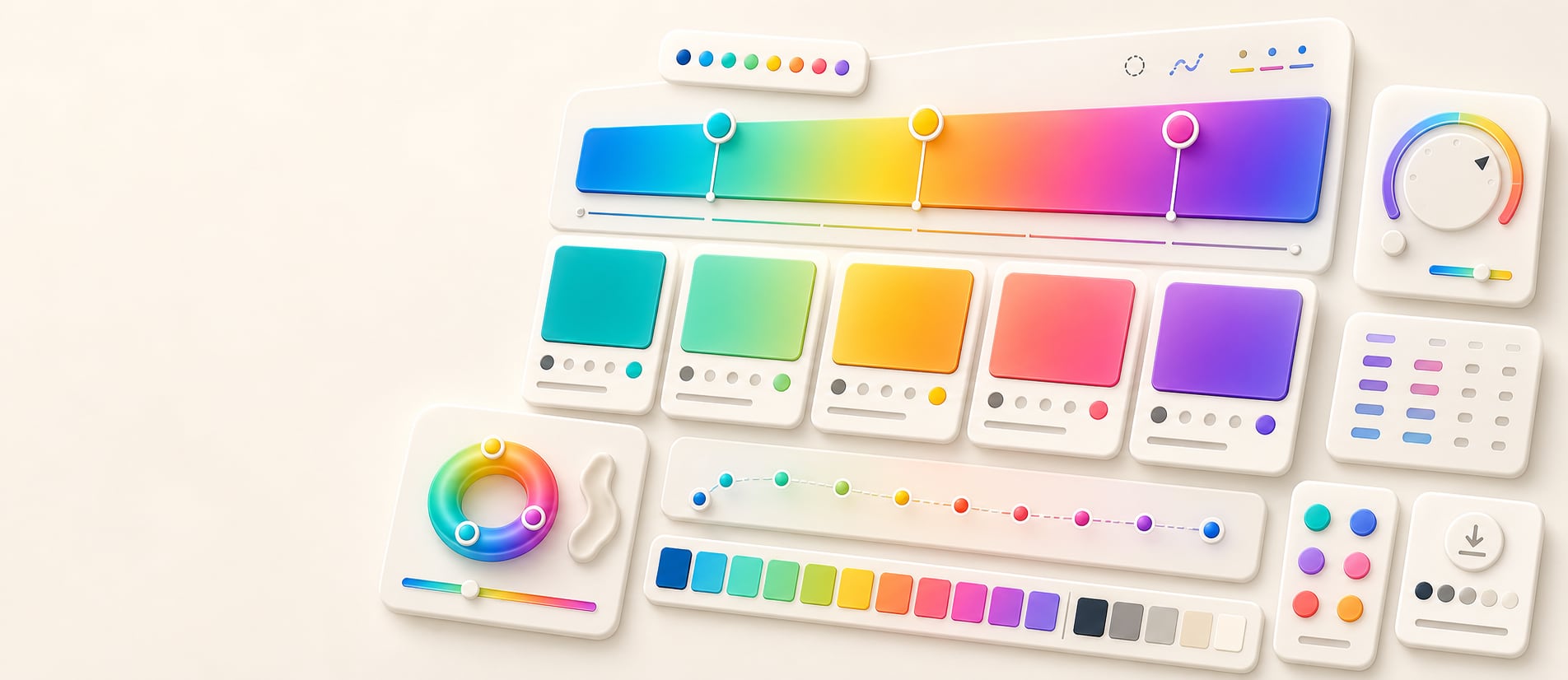
Gradient palette extractor
Extract practical swatches from a CSS gradient.
Sample practical, labeled swatches from a configurable gradient path, compare interpolation choices, and export the results for interface roles and documentation.
Free color utility
Gradient Extractor
Inputs update live, exports are copy-ready, and the color math stays deterministic.
Quick start
Starter presets
Start with a realistic setup, then adjust any input and watch the result update.
Valid input example: #EF476F, #FFD166, #06D6A0, #118AB2 as source stops
If input is invalid: Unrecognized entries are identified in the announced status, while valid colors remain available for correction or replacement.
Choose a preset or edit the controls directly.
Gradient palette
Extract production swatches
Instructions
- Add colors one at a time, remove stops you do not need, or paste concrete CSS color values to build the source gradient.
- Choose the sample count and interpolation model so the extracted palette matches your intent.
- Review adjacent separation, readable text signals, and the live specimen before assigning roles.
- Copy CSS variables, JSON, token-style output, or a handoff summary for production documentation.
Paste color list
Advanced source controls
linear-gradient(135deg in oklab, #EF476F 0%, 12.5%, #FFD166 25%, 37.5%, #06D6A0 50%, 62.5%, #118AB2 75%, 87.5%, #6F4BD8 100%)
Results
Extracted swatches
Methodology and guides
How this tool calculates and connects.
Review the formulas, assumptions, edge cases, validation checks, caveats, and related color guidance behind Gradient Extractor.
Methodology pages
Related guides
How it fits
From gradient path to reusable swatches.
Sample deliberate positions along a configured gradient, preserve the interpolation context, and turn the results into labeled colors for reuse.
Sample the full path
Extract colors at controlled positions so endpoints, transitions, and midpoint behavior are represented instead of choosing swatches by eye.
Keep interpolation visible
Review the gradient and its interpolation settings because the path between stops determines the colors that are extracted.
Free sharing
Gradient palette extractions can be bookmarked and shared without an account, making results easy to revisit.
Quick overview
Hue Codex Gradient Palette Extractor is a free browser-based tool that builds a three-stop CSS linear gradient and extracts five reusable swatches from it. Source stops accept alpha-capable HEX, RGB, HSL, HWB, Lab/LCH, OKLab/OKLCH, supported color() values, fixed color names, and transparent. It preserves source alpha while sampling 0%, 25%, 50%, 75%, and 100% positions and exports copy-ready CSS plus HEX-alpha swatch values.
- Use the gradient palette extractor to turn a CSS gradient into reusable swatches without dropping source alpha.
- The tool works with start, middle, and end colors positioned at 0%, 50%, and 100%.
- Extracted swatches are labeled 0%, 25%, 50%, 75%, and 100%.
- Midpoint swatches use OKLab interpolation, which usually gives smoother visual blends than simple RGB channel mixing.
- Gradient swatches are useful starting points, but text contrast and role fit should still be checked before production use.
What the Hue Codex gradient palette extractor does
The Hue Codex gradient palette extractor converts a three-stop gradient into a small set of reusable swatches. You provide a start color, middle color, end color, and angle; the tool previews the resulting CSS linear-gradient() and extracts five labeled colors along the path.
The copied output includes the gradient CSS followed by the extracted 0%, 25%, 50%, 75%, and 100% swatch values. Opaque samples can be copied as six-digit HEX; translucent samples use eight-digit HEX or alpha-capable CSS so their opacity is retained.
A gradient palette extractor samples representative colors from a gradient so the gradient can be reused as a set of discrete swatches.
Swatches extracted from the gradient
Hue Codex extracts five positions from the generated gradient. The start, middle, and end swatches match the entered colors; the 25% and 75% swatches are calculated between the adjacent stops.
| Swatch | Source | Use |
|---|---|---|
| 0% | The start color at the beginning of the gradient. | Use as the first endpoint, accent, or starting role. |
| 25% | The OKLab midpoint between the start and middle colors. | Use as a bridge swatch or softer transition color. |
| 50% | The middle color placed at the center of the gradient. | Use as the core gradient color or central palette accent. |
| 75% | The OKLab midpoint between the middle and end colors. | Use as a second bridge swatch or intermediate surface color. |
| 100% | The end color at the end of the gradient. | Use as the final endpoint, accent, or closing role. |
Why OKLab sampling is used
The visible CSS gradient is written as a standard linear-gradient() with the three entered concrete CSS colors. For the extracted intermediate swatches, Hue Codex uses OKLab interpolation between adjacent stops and premultiplied alpha so the 25% and 75% samples retain both color and opacity behavior.
Different interpolation models can produce different midpoint colors. OKLab is useful for UI and palette work because it is designed around more perceptual lightness and hue behavior than simple RGB channel interpolation.
- Use the CSS gradient value when you need the actual gradient style.
- Use the extracted CSS or HEX-alpha values when you need discrete colors for tokens, cards, dividers, badges, or documentation.
- Check extracted swatches against real backgrounds before using them for text or important UI states.
Best uses for gradient palette extraction
Gradient extraction is useful when a gradient already feels right visually and you want a small palette that inherits its direction, mood, and color relationships.
UI accent palettes
Extract bridge colors from a hero, button, card, or dashboard gradient and reuse them as accents.
Color roles
Turn gradient positions into named token candidates such as gradient-start, gradient-mid, gradient-bridge, or gradient-end.
Documentation
Copy the CSS gradient and swatch list into brand notes, handoff docs, or component specs.
Palette cleanup
Use extracted swatches as a controlled alternative to manually sampling arbitrary points from a gradient screenshot.
Gradient extraction caveats
Extracted swatches summarize a gradient, but they do not replace contrast checks. A color that looks good inside a gradient can still fail as text, icon, border, or component fill on a specific background.
The CSS gradient itself uses browser gradient rendering, while the extracted intermediate swatches use the selected interpolation model and premultiplied alpha. Treat the extracted values as practical palette samples rather than exact screenshots of every rendered pixel.
Quick answers
Gradient Extractor FAQ
What is the Hue Codex gradient palette extractor?
Hue Codex Gradient Palette Extractor is a free browser-based tool that creates a three-stop CSS linear gradient from concrete CSS colors and extracts five reusable swatches while preserving source alpha.
Which gradient stops does the tool use?
The tool uses a start color at 0%, a middle color at 50%, and an end color at 100%.
Which swatches are extracted?
Hue Codex extracts swatches at 0%, 25%, 50%, 75%, and 100%.
How are the 25% and 75% colors calculated?
The 25% color is mixed between the start and middle colors, and the 75% color is mixed between the middle and end colors using OKLab interpolation.
Can I change the gradient angle?
Yes. The angle slider sets the CSS linear-gradient() angle from 0 to 360 degrees.
Can I swap the gradient endpoints?
Yes. The swap control reverses the start and end colors while keeping the middle color in place.
Can I copy the CSS gradient and extracted swatches?
Yes. The export includes the generated CSS linear-gradient() followed by the extracted swatch values. Individual samples can also be copied as HEX or HEXA and as CSS variables.
Are extracted gradient swatches automatically accessible?
No. Extracted swatches should be checked for contrast and role fit before they are used for text, icons, controls, or important UI states.