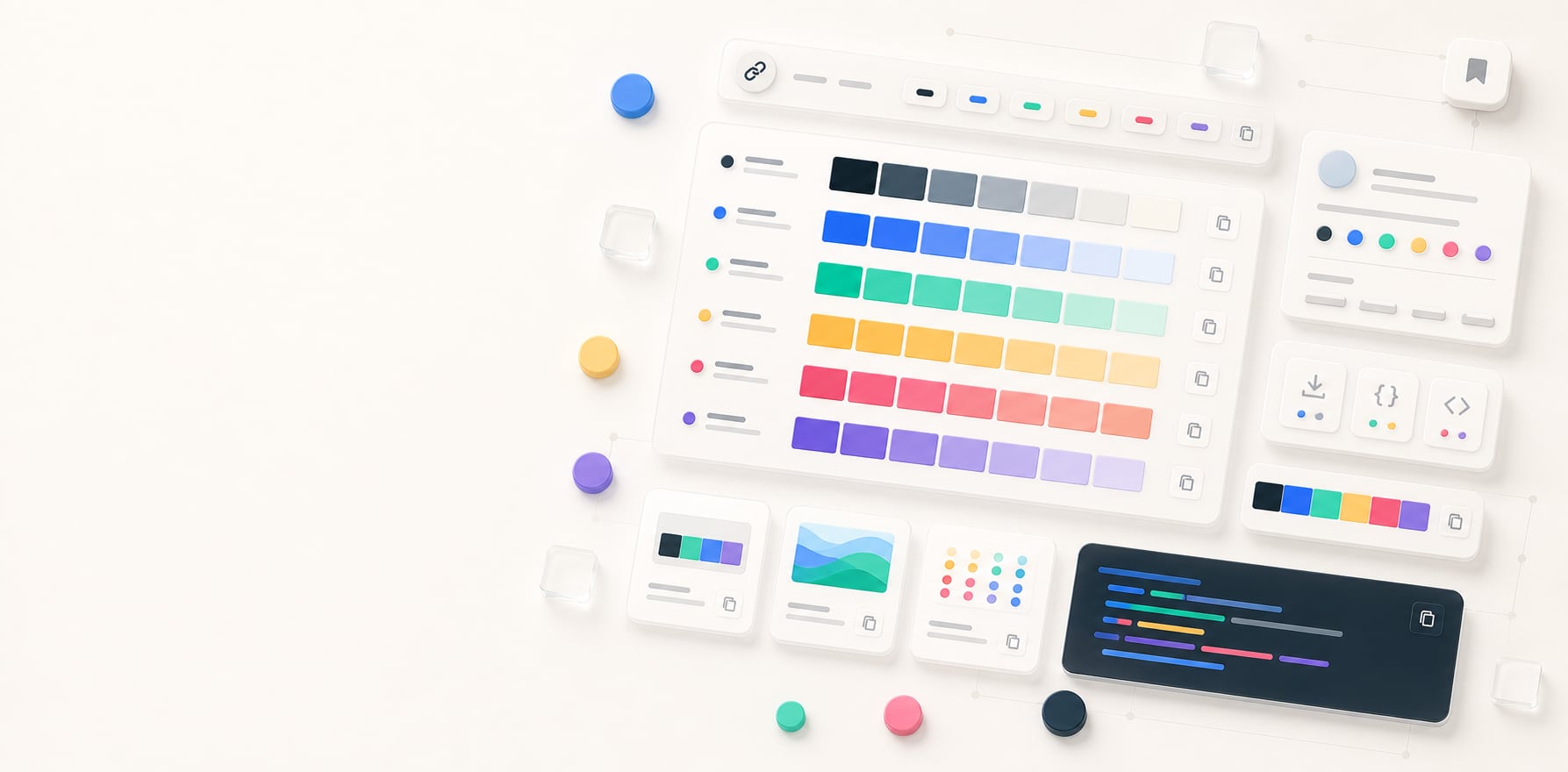
Shared palette viewer
Inspect, copy, and export a shared color palette.
Open a shared palette, review its roles and readable pairs, then copy or download the exact handoff format you need without creating an account.
Free color utility
Shared Palette
Inputs update live, exports are copy-ready, and the color math stays deterministic.
Quick start
Starter presets
Start with a realistic setup, then adjust any input and watch the result update.
Valid input example: A Hue Codex /palette#s=... link, or the clean /palette URL for the starter palette
If input is invalid: Malformed shared state falls back safely instead of leaving an empty or unusable export panel.
Choose a preset or edit the controls directly.
Palette link
Shared colors
Instructions
- Review the palette swatches restored from the self-contained link or optional rich preview link.
- Use the metadata summary to check the palette name, color count, readable pairs, and whether it came from a link or the starter palette.
- Choose an export format for CSS variables, palette data, color roles, or an SVG strip.
- Copy the export block or download SVG and PNG versions for documentation and handoff.
Methodology and guides
How this tool calculates and connects.
Review the formulas, assumptions, edge cases, validation checks, caveats, and related color guidance behind Shared Palette.
Methodology pages
Related guides
How it fits
Inspect a shared palette link.
Shared palette pages are bookmarkable color-system snapshots with copy and export options.
Shareable colors
The palette state is stored in the self-contained link. Optional rich preview links resolve to the same palette state.
Readable metadata
Each swatch includes role, value, and the highest-contrast black/white text candidate.
Review exports
Copy or download CSS, JSON, SVG, or PNG output for handoff.
Quick overview
Hue Codex Shared Palette is a free browser-based palette viewer for shared color palette links. It displays role-labeled swatches, copyable HEX values, palette metadata, readable-pair counts, and export options for CSS variables, palette data, role-based data, SVG strips, and PNG palette images. The palette state is stored in the self-contained link, while an optional rich preview link opens the same palette state.
- Use it to open, review, and export a palette someone shared from Hue Codex.
- Each swatch shows its role and HEX value, with one-click color copying.
- Metadata includes palette name, color count, readable-pair count, and whether the state was restored from a share link.
- Exports include CSS variables, palette data, role-based data, SVG strip, and PNG palette image.
- Shared palette URLs are useful for design review, handoff, documentation, and revisiting color decisions.
What the Hue Codex shared palette viewer does
The Hue Codex shared palette viewer opens palette state from a full share link or an optional short link and turns it into a reviewable, copyable, exportable color-system snapshot. It is designed for palettes that need to be sent, bookmarked, revisited, or handed off without requiring an account.
The page displays every palette swatch with its role and HEX value, chooses readable text for each swatch, summarizes palette metadata, and provides export formats for CSS, documentation, color-role workflows, and visual sharing.
A shared palette keeps its supported colors, roles, and settings in the full share link so the same state can be reopened, reviewed, copied, and exported later. Optional short links open that same self-contained palette state.
Palette metadata
Shared palette pages show a compact metadata summary so reviewers can understand what they are looking at before exporting or reusing the colors.
| Field | What it means | Why it helps |
|---|---|---|
| Name | The palette name generated or saved with the palette data. | Gives the shared palette a human-readable label for review and handoff. |
| Colors | The number of colors in the palette. | Confirms palette size before copying or exporting. |
| Normal-text pairs at 4.5:1+ | The number of foreground/background pairs in the palette that reach at least 4.5:1 contrast. | Provides a quick signal for how much text-pair potential the palette contains. |
| Loaded from | Whether this palette was restored from a current share link, an older compatible link, or the starter palette. | Helps distinguish a shared palette from the starter example. |
Export formats
The shared palette viewer keeps the same palette available in several handoff formats. Choose the export based on whether the next step is CSS, structured documentation, token work, visual review, or lightweight sharing.
| Export | What it contains | Best use |
|---|---|---|
| CSS variables | A :root block with role-based --hc-color-* custom properties. | Stylesheets, mockups, and team handoff. |
| JSON | Palette name, source, colors, roles, notes, tags, and accessibility metadata. | Structured documentation, audits, and internal tooling. |
| Token-style JSON | Token-style JSON with color values, roles, descriptions, and contrast metadata. | Hue Codex token-style handoff for review and adaptation to the target token system. |
| SVG strip | A labeled visual swatch strip. | Docs, comments, presentations, and design reviews. |
| PNG palette | A downloadable palette image. | Moodboards, quick sharing, client previews, and archives. |
Best uses for shared palette pages
Shared palette pages are most useful after palette exploration has produced a set worth discussing. The full share link carries the supported palette state with it. An optional short link opens that same self-contained state, making it easy for someone else to inspect the colors without needing the original session.
Design review
Send a palette URL to compare roles, color count, and visual direction with a team or client.
Team handoff
Copy CSS variables or structured JSON when a palette is ready to move into code or documentation.
Color-role drafts
Export token-style JSON as a starting point for a more formal design-system token file.
Visual archives
Download SVG or PNG palette images for moodboards, presentations, notes, and project records.
A practical shared palette workflow
Create a palette in the palette generator, then use Share to copy either the full self-contained link or an optional short link. Both open the same palette state in the shared palette viewer. If a color needs to change, return to the generator, revise the palette, and share a new link.
- Open the full share link or optional short link.
- Review the role-labeled swatches and metadata.
- Copy individual HEX values when you need a single color.
- Choose CSS, palette data, color roles, or SVG output for structured handoff.
- Download SVG or PNG when a visual palette artifact is useful.
- Create another palette when the shared version needs a new direction.
Contrast and production caveats
Readable-pair metadata is a useful summary, but it does not approve every possible use of the palette. Text, icons, controls, focus indicators, charts, and status states still need to be checked in the actual foreground/background combinations where they will appear.
Palette exports are strong starting points for handoff, but token names, accessibility notes, and approved pairings should be reviewed before production use.
Use shared palette pages to preserve and export color decisions, then use contrast and component checks to approve final usage.
Quick answers
Shared Palette FAQ
What is a Hue Codex shared palette?
A Hue Codex shared palette keeps its supported colors, roles, and settings in a full self-contained share link so it can be reopened, reviewed, copied, and exported without an account.
Can I copy colors from a shared palette?
Yes. Each shared palette swatch includes a copy button for its HEX value.
What export formats are available?
Shared palettes can be exported as CSS variables, palette data, role-based data, SVG strips, and PNG palette images.
What does normal-text pairs at 4.5:1+ mean?
It is the number of foreground/background color combinations in the palette that reach at least a 4.5:1 contrast ratio. It is a color-contrast count, not an accessibility certification.
Can I download a shared palette image?
Yes. Hue Codex can download the shared palette as an SVG strip or PNG image.
Can I create a new palette from the shared palette page?
Yes. The Create another button opens the palette generator so you can build a new palette.
Does a shared palette URL require an account?
No. Shared palette URLs can be opened and exported without creating an account.
Does normal-text contrast-pair metadata mean every palette use is accessible?
No. The 4.5:1+ pair count is a color-contrast summary. Final text, icon, control, and status-color usage still needs contrast checks in context.
What is the difference between a full palette link and a short link?
The full link carries the supported palette state with it. An optional short link is a compact Hue Codex address that opens the same self-contained palette state.