Palette generator
Build a palette. Start with roles that pass.
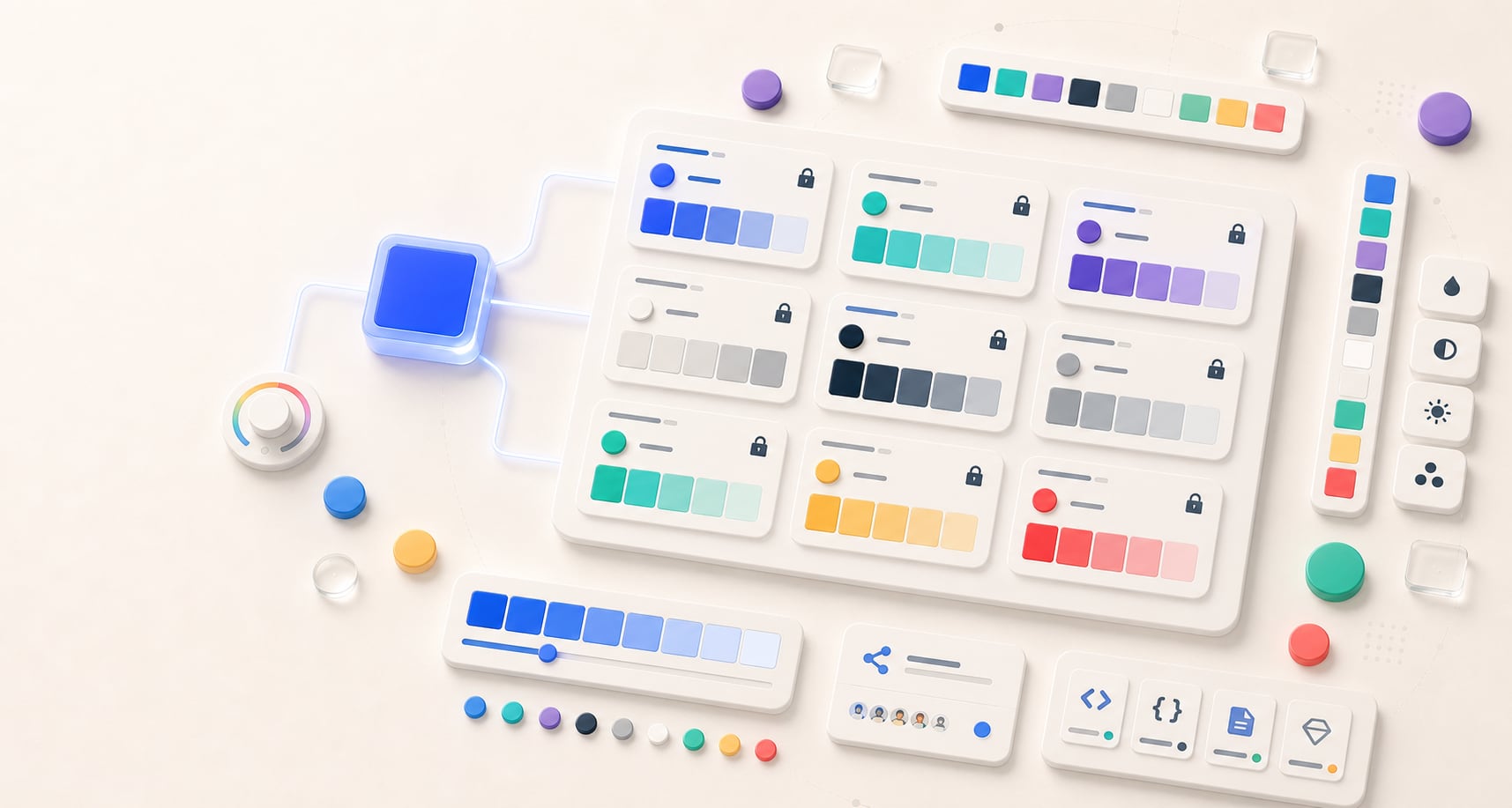
Turn one seed into nine coordinated roles, set exact brand colors anywhere, and rebuild every unlocked role around the seed, style, and locked anchors.
Free color utility
Palette Generator
Inputs update live, exports are copy-ready, and the color math stays deterministic.
Quick start
Starter presets
Start with a realistic setup, then adjust any input and watch the result update.
Valid input example: #4169E1 as a seed, followed by a named palette direction
If input is invalid: Invalid or incomplete color values are identified at the field, announced, and explained in the result area so they can be corrected without guesswork.
Choose a preset or edit the controls directly.
Color system
Generate a fitted, lockable color system
Instructions
- Enter a seed color and choose the visual direction that best matches the product or brand.
- Hue Codex preserves that direction while fitting every unlocked functional role to its declared contrast target.
- Edit any role color to add an exact brand value. Applying a custom value locks that role automatically.
- Lock any other decisions you want to preserve, then choose Rebuild unlocked roles. If the anchors conflict, unlock a role you want Hue Codex to replace; the rebuild action becomes available again immediately.
- Copy or download the role colors, functional foregrounds, contrast contract, and shareable visual artifact for handoff.
Core
Temperature
Tone
Personality
Balanced keeps Primary closest to the seed, then perceptually fits unlocked functional roles to their declared targets.
Readable defaults, visible controls, and semantic cues stay coordinated.
Turn on role mapping, then hover, focus, or select a specimen element to see its exact colors, ratio, and target.
How Hue Codex validated this palette View checks and adjustments
These checks validate only the named role relationships. Final typography, opacity, gradients, imagery, focus states, component states, and color-only meaning still require contextual review.
Role board
Edit exact brand colors, lock the anchors, then rebuild
Methodology and guides
How this tool calculates and connects.
Review the formulas, assumptions, edge cases, validation checks, caveats, and related color guidance behind Palette Generator.
Methodology pages
Related guides
How it fits
Move from one color to a fitted role system.
The palette generator creates expressive roles, accepts exact brand anchors in every role, rebuilds around locks, and packages the validated result for implementation and sharing.
Semantic roles
Generate primary, secondary, accent, surface, text, border, success, warning, and danger roles.
Unmistakable locks
Locked colors keep their value while unlocked roles update from the current seed and style.
Contrast bridge
Audit the generated text and surface pair in the contrast checker with one action.
Quick overview
Hue Codex Palette Generator is a free browser-based color system generator that creates nine coordinated roles from one seed and automatically fits unlocked functional pairings to explicit contrast targets. Every role can also be replaced with an exact user-defined brand color; the edit locks automatically, and Rebuild unlocked roles preserves all locked anchors while regenerating and validating the rest. It exports shareable CSS, palette data, token-style JSON, role maps, contrast reports, Tailwind, Sass, SVG, and PNG artifacts. The guarantees are pair-specific, so final components and non-color status cues still require production review.
- Use it to turn one seed color into a role-based palette for websites, apps, and brand systems.
- Palette styles include balanced, vivid, calm, neutral, warm, cool, muted, pastel, earthy, monochrome, high contrast, dark, light, playful, elegant, retro, and futuristic.
- Individual swatches can be locked so useful colors survive regeneration.
- Exports include all nine roles plus readable on-primary, on-secondary, on-accent, on-success, on-warning, and on-danger foregrounds.
- Unlocked role contracts pass on generation; incompatible locked colors are preserved and reported as exact pair conflicts.
- Any role can be edited to an exact brand value and locked before rebuilding the remaining palette.
What the Hue Codex palette generator does
The Hue Codex palette generator starts with one seed color, builds an expressive role-based system, and then makes the smallest perceptual corrections needed for each unlocked functional pairing. It aims for AAA normal text on the generated surface, AA text on the primary action, and 3:1 for meaningful action, support, control-boundary, and status colors on the surface.
You can choose a palette style, preview the roles in a small interface specimen, lock individual swatches, copy an exact shareable URL, inspect every role contract, and export the same decisions for code, design systems, documentation, or visual handoff. When locks conflict, Hue Codex keeps them intact and names the specific pairing that needs a decision.
A color palette generator creates a coordinated set of colors from a seed color or rule set. A role-based palette generator also labels colors by intended use, such as primary, surface, text, border, success, warning, and danger.
Generated palette roles
Hue Codex generates nine palette roles. These names are starting points for interface and brand work, not fixed design rules. You can keep the labels, adapt them to your own token naming, or use the output as a first draft for a fuller design system.
| Role | Purpose | Common use |
|---|---|---|
| Primary | Main signal color from the seed. | Brand recognition, primary actions, selected states. |
| Secondary | Supporting brand color. | Secondary actions, navigation accents, structure. |
| Accent | Higher-energy contrast color. | Highlights, badges, illustrations, data marks. |
| Surface | Light UI surface color. | Page backgrounds, cards, panels, empty states. |
| Text | Readable ink color. | Body copy, headings, labels, dense UI text. |
| Border | Visible control-boundary color. | Form fields, control outlines, meaningful boundaries. Derive lighter decorative dividers separately. |
| Success | Positive semantic color. | Success states, confirmations, positive badges. |
| Warning | Caution semantic color. | Warnings, attention states, pending statuses. |
| Danger | Error or destructive semantic color. | Errors, destructive actions, alert states. |
Palette styles and color locks
The style menu controls saturation, temperature, lightness, and hue direction before the contrast-fit pass. Seed is the input color; Primary stays exact when it already fits its role, or becomes the nearest usable tone when necessary. Semantic roles remain recognizable while harmonizing with the selected direction, and Monochrome keeps them in one hue family. Locks are hard constraints: locked swatches never move, while the surface and other flexible roles solve around them when possible.
Balanced
Moderate saturation, contrast, and temperature; versatile and general-purpose.
Vivid
Bright, saturated, energetic colors.
Calm
Soft, low-contrast, soothing colors; often cool or muted.
Neutral
Whites, grays, blacks, creams, taupes, beiges, and restrained tones.
Warm
Reds, oranges, yellows, and warm browns; inviting or energetic.
Cool
Blues, greens, and violets; crisp, calm, or professional.
Muted
Desaturated, toned-down colors; sophisticated or understated.
Pastel
Light, soft, low-saturation colors; gentle or playful.
Earthy
Natural browns, greens, clay, sand, moss, and terracotta; organic or grounded.
Monochrome
Variations of one hue using tints, shades, and tones.
High Contrast
Strong light/dark or complementary contrast; bold and punchy.
Dark
Deep, rich, low-light palettes; dramatic or premium.
Light
Airy, pale, high-lightness palettes; clean or minimal.
Playful
Cheerful, varied, colorful combinations; often bright or pastel.
Elegant
Refined, restrained, premium-feeling palettes; often muted, neutral, dark, or metallic-adjacent.
Retro
Period-inspired combinations, such as 70s earth tones, 80s neon, or mid-century colors.
Futuristic
Sleek, digital, neon, chrome-like, cyber, or high-tech palettes.
Locks
Lock a swatch when you want that role to keep its current color while unlocked roles update from the current seed and style.
Export formats
The palette generator can output the same palette for several different handoff needs. Use CSS variables for stylesheets, palette data for structured documentation, token-style JSON and role maps for reusable color systems, contrast reports for accessibility review, Tailwind or Sass for implementation, SVG for a lightweight visual strip, and PNG when you need a shareable image of the palette.
| Export | What it contains | Best use |
|---|---|---|
| CSS variables | A :root block with role-based --hc-color-* custom properties. | Stylesheets, mockups, and quick project use. |
| JSON | Palette name, slug, source, colors, roles, notes, tags, and accessibility metadata. | Documentation, audits, app handoff, and internal tooling. |
| Token-style JSON | Token-style JSON with color values, roles, descriptions, and contrast metadata. | Hue Codex token-style handoff for review and adaptation to the target token system. |
| Role map | A compact role-to-HEX JSON map. | Implementation tickets, documentation snippets, and quick developer handoff. |
| Contrast report | Text, surface, primary, border, and role-on-surface contrast decisions. | Accessibility review before assigning roles to real components. |
| Tailwind and Sass | Framework-ready color entries keyed by palette role. | Project setup, prototypes, and implementation handoff. |
| SVG palette card | A branded visual palette card with role labels. | Docs, presentations, issue comments, and visual reviews. |
| PNG palette | A downloadable image of the palette. | Moodboards, client previews, and quick sharing. |
A practical palette workflow
Start with a seed color that has a real reason to exist: a brand color, product accent, campaign color, or color sampled from existing artwork. The generator will fit functional roles automatically; use styles and locks to decide which visual direction best matches the product.
- Enter or pick a seed color.
- Try balanced, vivid, calm, neutral, warm, cool, muted, pastel, earthy, monochrome, high contrast, dark, light, playful, elegant, retro, and futuristic styles.
- Enter exact brand values in any role card. Each custom edit locks automatically.
- Lock any additional swatches that must remain unchanged, then choose Rebuild unlocked roles. If locked colors conflict, unlock any role Hue Codex may replace; the rebuild action becomes available again immediately.
- Switch styles or use Random seed to compare complete, contract-fitted directions while keeping locked anchors exact.
- Review the exact named pairings, then preview real component states and layered backgrounds.
- Export CSS variables, palette data, token-style JSON, role maps, contrast reports, Tailwind, Sass, SVG, or PNG depending on the next handoff step.
Contrast and production caveats
Generated unlocked roles satisfy the pair-specific targets shown in the tool, but a palette cannot guarantee every possible foreground, background, opacity, gradient, state, or component treatment. Test the exported roles in the layouts and layers where they will actually appear.
Semantic colors such as success, warning, and danger should not rely on hue alone. Pair them with labels, icons, patterns, placement, or other non-color cues, and verify contrast for text and interactive states.
Treat the generated contract as a dependable first system, then use the contrast and focus tools for pairings or states not represented by the named roles.
Quick answers
Palette Generator FAQ
What is the Hue Codex palette generator?
The Hue Codex palette generator is a free online tool that creates a role-based color palette from one seed color, with primary, secondary, accent, surface, text, border, success, warning, and danger colors.
Can I lock colors while generating a palette?
Yes. Each swatch has a lock control, and applying a user-defined role color locks that role automatically. Locked colors keep their exact value while unlocked colors update when you rebuild, change the seed, or select another style.
What palette styles are available?
The palette generator includes balanced, vivid, calm, neutral, warm, cool, muted, pastel, earthy, monochrome, high contrast, dark, light, playful, elegant, retro, and futuristic styles. Each style changes saturation, lightness, contrast, temperature, and hue direction for generated role colors.
Can I export a generated palette as CSS?
Yes. The CSS variables export creates a :root block with all nine role properties plus readable companions such as --hc-color-on-primary, --hc-color-on-secondary, and --hc-color-on-danger.
Does the palette generator export color roles?
Yes. The palette generator can copy a compact role map, token-style JSON, documentation summary, and Tailwind-style or Sass entries for generated colors. Review and adapt those entries to the target project configuration before implementation.
Can I share a generated palette?
Yes. The share action copies a palette URL that can reopen the generated colors for review, export, or further editing.
Are generated palettes automatically accessible?
Unlocked generated palettes pass all nine Hue Codex built-in checks: AAA normal text on the surface, AA black-or-white text on the primary action, and seven 3:1 meaningful UI, boundary, support, and status colors on the surface. This is not universal accessibility; final component states, overlays, gradients, focus treatments, and color-independent meaning still require review. Locked colors are preserved even when they create an exact reported conflict.
Can I download a palette image?
Yes. Hue Codex can download the generated palette as an SVG palette card or PNG palette image for documentation, moodboards, and visual sharing.
How can I see what Hue Codex changed?
Open “How Hue Codex validated this palette” to see seed fidelity, every minimal role adjustment, readable on-colors, output gamut, and all nine exact checks. Turn on “Show role mapping” in the live specimen to inspect the colors, contrast ratio, and target behind each shown component.
Can I use exact primary and secondary brand colors?
Yes. Enter the exact value in each role card and lock any additional anchors you need. The palette is marked as awaiting rebuild until you choose Rebuild unlocked roles. Hue Codex then preserves every locked HEX exactly, refits the remaining roles, reruns all nine built-in checks, and reports any combination of locked colors that cannot satisfy a named contract. If a conflict appears, unlock any role Hue Codex may replace; that role is marked for regeneration and Rebuild unlocked roles becomes available again.