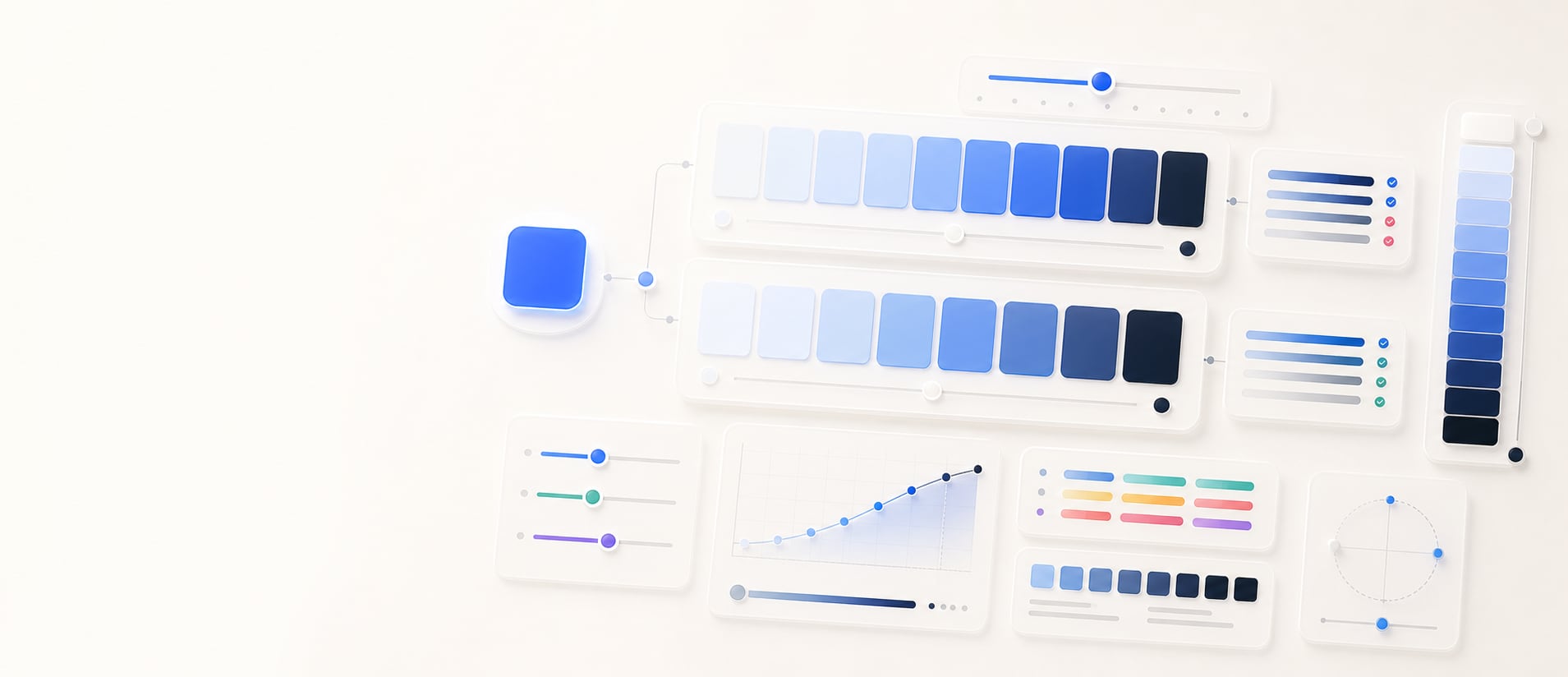
Lightness ladder
Build an even lightness ladder.
Build a 5, 7, or 9 step ladder, compare HSL and OKLCH spacing, and export contrast-aware values for surfaces, borders, text, and state tokens.
Free color utility
Lightness Ladder
Inputs update live, exports are copy-ready, and the color math stays deterministic.
Quick start
Starter presets
Start with a realistic setup, then adjust any input and watch the result update.
Valid input example: #4169E1 as the seed for a 5, 7, or 9 step ladder
If input is invalid: Invalid or incomplete color values are identified at the field, announced, and explained in the result area so they can be corrected without guesswork.
Choose a preset or edit the controls directly.
Scale tokens
Production lightness ladder
Instructions
- Enter a hue seed color or use Random color to test a new sample.
- Choose the number of steps, model, and review focus for the ladder you need.
- Use OKLCH for perceptual lightness spacing or HSL for familiar CSS-style lightness spacing.
- Review step cards, contrast signals, and handoff output before assigning scale tokens in production.
Results
Generated ladder
Methodology and guides
How this tool calculates and connects.
Review the formulas, assumptions, edge cases, validation checks, caveats, and related color guidance behind Lightness Ladder.
Methodology pages
Related guides
How it fits
From base color to structured lightness ladder.
Turn one base color into an ordered 5, 7, or 9 step ladder, compare spacing models, and prepare the values for interface roles.
Choose the spacing model
Compare OKLCH and HSL ladders because equal numeric steps do not guarantee the same perceived progression.
Review every rung
Inspect the swatches and their contrast context before assigning them to surfaces, borders, text, or interaction states.
Free sharing
Lightness ladders can be bookmarked and shared without an account, making results easy to revisit.
Quick overview
Hue Codex Lightness Ladder Generator is a free browser-based tool that creates 5, 7, or 9 step UI color scales from one concrete CSS color. It accepts alpha-capable HEX, RGB, HSL, HWB, Lab/LCH, OKLab/OKLCH, supported color() values, fixed color names, and transparent; the seed is resolved to sRGB for HSL or OKLCH ladder generation and its alpha is preserved on every step.
- Use the lightness ladder generator to turn one concrete CSS color into a stepped UI color scale without dropping source alpha.
- Choose 5, 7, or 9 steps depending on how many surface, border, text, and state tokens you need.
- OKLCH mode keeps the seed hue and uses capped chroma for a more perceptual ladder.
- HSL mode keeps the seed hue and uses HSL lightness spacing for familiar CSS-style output.
- The contrast note helps identify which steps can support dark ink, but final text pairs should still be checked in context.
What the Hue Codex lightness ladder generator does
The Hue Codex lightness ladder generator takes one concrete CSS color and creates an ordered set of lighter-to-darker swatches. The seed is resolved to sRGB, its alpha is preserved on every step, and you can choose 5, 7, or 9 steps with either OKLCH or HSL generation.
Each generated color is shown as a swatch with a contrast note against dark ink. The export panel writes the ladder as CSS custom properties, making it easy to test the scale in a design system or web project.
A lightness ladder is a set of related colors that share a hue family while stepping from light to dark values. It is commonly used for UI surfaces, borders, text, emphasis levels, and state colors.
HSL vs OKLCH lightness ladders
Hue Codex lets you build the ladder in either HSL or OKLCH. Both modes keep the seed color as the source of the hue family, but the lightness and colorfulness behavior differs.
| Mode | How it builds the ladder | When it helps |
|---|---|---|
| OKLCH | Uses OKLCH lightness from very light to dark, keeps the seed hue, and caps chroma for practical UI output. | Useful for modern interface scales where perceptual spacing and steady color behavior matter. |
| HSL | Uses HSL lightness from very light to dark, keeps the seed hue, and preserves at least a small amount of saturation. | Useful for familiar CSS-style color scales and quick comparisons with existing HSL workflows. |
| Contrast note | Shows each swatch contrast against the dark ink color used by the tool preview. | Useful for quickly spotting light steps that may support dark text before doing final contrast checks. |
| CSS variables | Exports the ladder as --color-ladder-1, --color-ladder-2, and so on. | Useful for moving the generated scale into color roles, mockups, or project notes. |
How the ladder steps work
The ladder spaces lightness from a very light value at the first step to a dark value at the final step. A 5-step ladder gives a compact scale, 7 steps give a balanced UI range, and 9 steps provide finer control for more detailed systems.
The generated labels include the selected model and rounded lightness value, which makes the ladder easier to scan when comparing HSL and OKLCH output.
- Use 5 steps for small palettes, prototypes, or simple component state ranges.
- Use 7 steps for a practical UI scale with light surfaces, mid accents, and darker text or border options.
- Use 9 steps when a design system needs finer surface, border, emphasis, and state distinctions.
- Switch between OKLCH and HSL before choosing final token values.
Best uses for a lightness ladder
A lightness ladder is most useful when one hue family needs to support several interface roles. Instead of hand-picking unrelated colors, the ladder gives you a structured starting point from light surfaces to dark emphasis colors.
Surface systems
Use lighter steps for page backgrounds, cards, panels, disabled fills, and quiet interface regions.
Borders and dividers
Use middle-light steps for borders, dividers, input outlines, and low-emphasis separators.
Text and emphasis
Use darker steps for labels, headings, icons, emphasis states, and high-contrast accents.
Color roles
Copy the exported CSS variables into token drafts and rename them to match your product naming system.
Lightness ladder caveats
Generated ladders are strong starting points, not final accessibility decisions. The contrast note shown in the tool uses one dark ink color, so text, icon, and control colors should still be tested against their real backgrounds.
Some seed colors behave differently in HSL and OKLCH. Highly vivid colors may need chroma or saturation tuning after the ladder is generated, especially when a brand color must stay recognizable across very light and very dark steps.
Quick answers
Lightness Ladder FAQ
What is the Hue Codex lightness ladder generator?
Hue Codex Lightness Ladder Generator is a free browser-based tool that turns one concrete CSS color into a 5, 7, or 9 step UI color scale in OKLCH or HSL while preserving source alpha.
What is a lightness ladder?
A lightness ladder is a set of related colors that move from light to dark while staying connected to the same hue family.
What is the difference between OKLCH and HSL mode?
OKLCH mode uses perceptual lightness with the seed hue and capped chroma, while HSL mode uses HSL lightness with the seed hue and saturation. The two modes can produce different-looking scales.
How many steps should a UI color scale have?
Use 5 steps for a compact scale, 7 steps for a balanced general-purpose UI scale, and 9 steps when you need finer distinctions for surfaces, borders, text, and states.
Does the tool show contrast?
Yes. Each swatch includes a contrast ratio against the dark ink color used in the preview, which helps you quickly scan which lighter steps may support dark text.
Can I copy the lightness ladder as CSS?
Yes. The tool exports the generated ladder as CSS custom properties named --color-ladder-1, --color-ladder-2, and so on.
Can I use the ladder directly as color roles?
You can use it as a token draft. Rename the CSS variables to match roles such as surface, border, text, accent, hover, or selected after checking them in your real interface.
Do I still need to run accessibility checks?
Yes. The preview contrast note is useful, but final text and UI pairs should be checked against their actual backgrounds with a contrast checker.