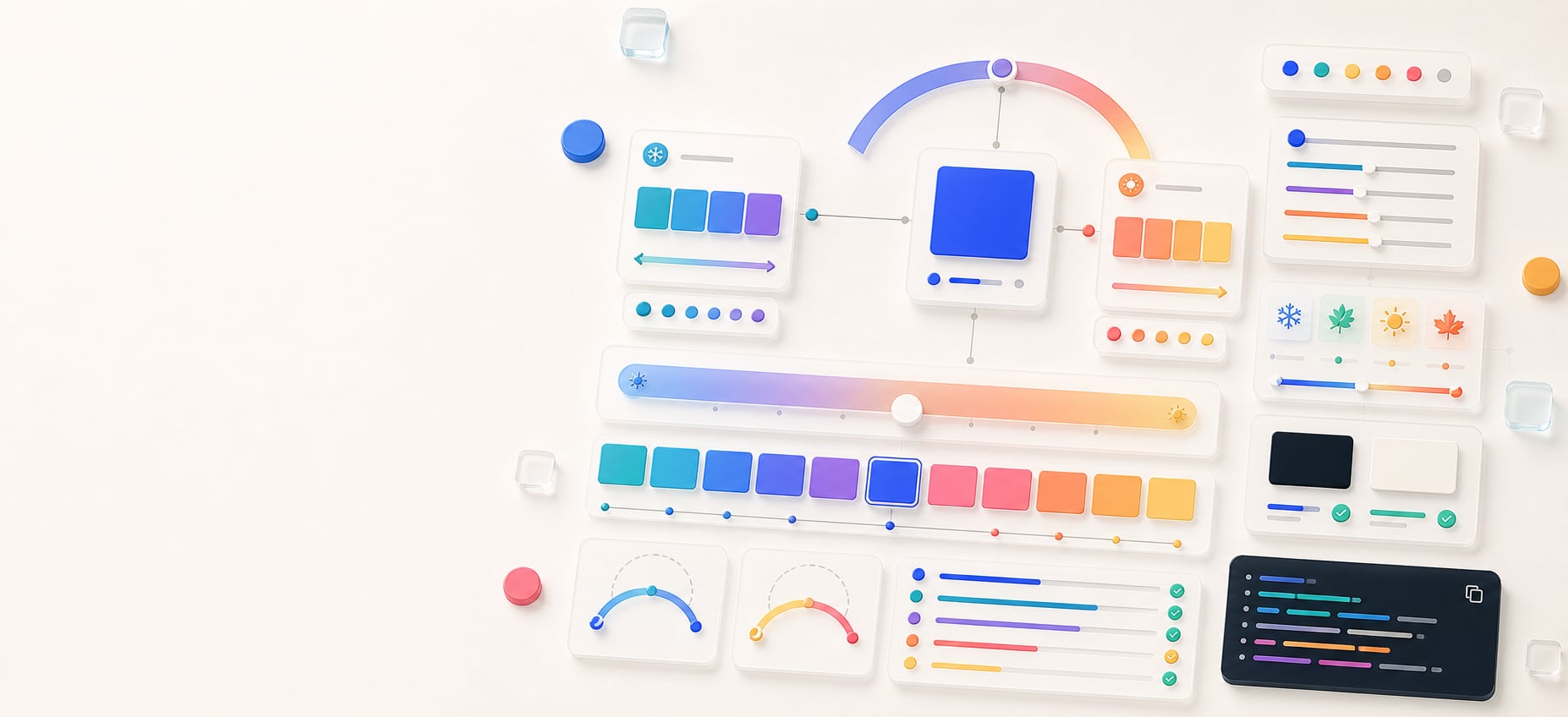
Temperature adjuster
Make a color warmer or cooler.
Shift one color warmer or cooler while preserving its HSL saturation and lightness, then compare practical variants for brand, interface, and token work.
Free color utility
Temperature
Inputs update live, exports are copy-ready, and the color math stays deterministic.
Quick start
Starter presets
Start with a realistic setup, then adjust any input and watch the result update.
Valid input example: #4169E1 with a shift from -100 cooler to +100 warmer
If input is invalid: Invalid or incomplete color values are identified at the field, announced, and explained in the result area so they can be corrected without guesswork.
Choose a preset or edit the controls directly.
Hue tuning
Production temperature tuning
Instructions
- Enter a base color or use Random color to test a new sample.
- Move the Shift slider left for a cooler hue bias or right for a warmer hue bias.
- Choose a review focus, then compare the selected result with cooler, base, and warmer variants.
- Copy CSS, JSON, token-style output, or a handoff summary for palette and design-system notes.
Results
Temperature variants
Methodology and guides
How this tool calculates and connects.
Review the formulas, assumptions, edge cases, validation checks, caveats, and related color guidance behind Temperature.
Methodology pages
Related guides
How it fits
From warm-cool shift to usable color variant.
Move a color warmer or cooler with a controlled HSL hue shift, compare nearby variants, and keep the approximation clear in handoff.
Adjust directionally
Shift hue while preserving HSL saturation and lightness so the result stays connected to the base color.
Compare before choosing
Review cooler, base, adjusted, and warmer swatches together before assigning a variant to a brand, interface, or token role.
Free sharing
Temperature adjustments can be bookmarked and shared without an account, making results easy to revisit.
Quick overview
Hue Codex Color Temperature Adjuster is a free browser-based tool that makes a concrete CSS color warmer or cooler by shifting its resolved sRGB HSL hue while preserving saturation, lightness, and source alpha. It accepts alpha-capable HEX, RGB, HSL, HWB, Lab/LCH, OKLab/OKLCH, supported color() values, fixed color names, and transparent, then previews Cooler, Base, Adjusted, and Warmer variants with copy-ready CSS and HEX-alpha output.
- Use the temperature adjuster to create warmer or cooler variants from one concrete CSS color, including translucent colors.
- Positive shift values move the color toward a warm hue; negative values move it toward a cool hue.
- The adjustment preserves HSL saturation and lightness, so the variant keeps the base color structure.
- Hue Codex shows Cooler, Base, Adjusted, and Warmer swatches for quick comparison.
- Color temperature here refers to visual warmth and coolness, not Kelvin white balance.
What the Hue Codex color temperature adjuster does
The Hue Codex color temperature adjuster accepts one concrete CSS color and shifts its resolved sRGB hue toward a warmer or cooler direction. It keeps the base HSL saturation, lightness, and alpha, then previews the result alongside a cooler reference, the original base color, and a warmer reference.
This makes it easier to create related colors for hover states, seasonal variations, warning or info accents, chart colors, and palette exploration without rebuilding the whole color from scratch.
A color temperature adjuster changes the perceived warmth or coolness of a color by shifting its hue toward warmer or cooler regions while preserving other chosen color properties.
Warm colors vs cool colors
Warm colors usually lean toward red, orange, and yellow. Cool colors usually lean toward blue, cyan, and violet. A temperature shift changes the emotional and visual feel of a color while keeping it connected to the original swatch.
| Direction | Typical hue feel | Common use |
|---|---|---|
| Warmer | Moves the color toward orange and yellow warmth. | Use for energetic accents, warnings, active states, sunny seasonal palettes, or friendlier brand variants. |
| Cooler | Moves the color toward blue and cyan coolness. | Use for calmer accents, informational states, dark-mode tuning, technical palettes, or more restrained brand variants. |
| Base | Keeps the original resolved color and alpha unchanged. | Use as the anchor when comparing whether a warmer or cooler variant still belongs to the same palette. |
How the shift control works
The shift slider ranges from -60 to 60. Negative values move the hue toward a cooler target, positive values move the hue toward a warmer target, and values near zero stay closer to the base color.
Hue Codex uses HSL hue movement for this tool and preserves the base color saturation and lightness. That keeps the adjustment direct and predictable, but the result should still be checked visually in the intended UI context.
- Move the slider left for a cooler adjusted color.
- Move the slider right for a warmer adjusted color.
- Use small shifts when the variant must stay close to a brand color.
- Use larger shifts when exploring seasonal palettes, semantic colors, or alternate accent families.
Best uses for warmer and cooler color variants
Temperature variants work best when the design already has a base color and needs related options with a slightly different mood or semantic role.
UI state colors
Create hover, active, selected, or focus variants that feel related to the base color without only changing lightness.
Brand accent tuning
Explore warmer and cooler alternatives before committing to an accent color in a brand or product palette.
Seasonal palettes
Warm a color for summer or autumn themes, or cool it for winter, technical, or calmer visual systems.
Color-role exploration
Copy the generated HEX values into token drafts, palette notes, or handoff documentation.
Temperature adjustment caveats
This tool changes visual warmth and coolness through HSL hue movement. It is not a Kelvin temperature converter, display calibration tool, or white-balance calculator.
A warmer or cooler variant may change contrast, perceived brightness, and brand fit even when HSL lightness is preserved. Check important color pairs with a contrast checker before using the result for text, icons, or controls.
Quick answers
Temperature FAQ
What is the Hue Codex color temperature adjuster?
Hue Codex Color Temperature Adjuster is a free browser-based tool that makes a concrete CSS color warmer or cooler by shifting its resolved sRGB HSL hue while preserving saturation, lightness, and alpha.
What does making a color warmer mean?
Making a color warmer means shifting it toward hues that feel closer to red, orange, or yellow while keeping it related to the original color.
What does making a color cooler mean?
Making a color cooler means shifting it toward hues that feel closer to blue, cyan, or violet while keeping it connected to the base color.
Does the tool preserve lightness?
Yes. The adjustment preserves the base color HSL saturation and lightness while moving the hue warmer or cooler.
What does the shift slider control?
The shift slider controls how strongly the adjusted color moves toward the warm or cool direction. Negative values cool the color, positive values warm it, and values near zero stay close to the base color.
Is this the same as Kelvin color temperature?
No. This tool adjusts visual color warmth and coolness through hue movement. It does not convert to Kelvin values or calibrate display white balance.
Can I use warmer and cooler variants for UI states?
Yes. Warmer and cooler variants can be useful for hover, selected, focus, warning, info, or seasonal interface states, as long as contrast and brand fit are checked.
Can I copy the adjusted color values?
Yes. The tool exports the Cooler, Base, Adjusted, and Warmer values as CSS and offers HEX or eight-digit HEX copies so alpha is retained.